Project preparation
Register fibers, resins, mandrel geometry, machine axes and payout eyes. Keep the inputs of your winding programs together.
Configure your projectFROM THE FIRST FIBER TO YOUR CNC
guiFW turns your mandrel, material and machine data into ready-to-run G-code for filament winding machines. Design layers, simulate the trajectory and send the program to your CNC, all from the browser.
Free plan forever. Every new account gets the Professional plan free for 30 days. No card required.
WHAT GUIFW OFFERS
Prepare the inputs, build the winding program, review the trajectory and understand the cost of the part.
Register fibers, resins, mandrel geometry, machine axes and payout eyes. Keep the inputs of your winding programs together.
Configure your projectDefine helical and hoop layers with winding angle, thickness and ramps. Manage entry cycles, staggered lengths and reinforced ends.
Explore winding programsReview the generated winding path and machine motion before exporting the CNC program.
See the tutorialAdapt the post-processor to your controller, export the CNC file and send programs to the machine via FTP on eligible plans.
See CNC compatibilityCombine raw material consumption, machine time and labour to estimate the cost per part and per batch. Included in every plan.
Understand production costsStudy pole deflection, pipe pressure and ring stiffness, and tank hydrostatic behaviour with the available engineering modules.
Explore engineering toolsFROM INPUTS TO A WINDING PROGRAM
Register fiber, resin and catalyst with a bill of materials. guiFW calculates roving and resin consumption for each layer.
Choose a tube, conical or capsule mandrel and enter its diameters and lengths. The sketch updates as you type.
Start from a ready template (Kollmorgen, Mach3, LinuxCNC, TexComputer), set axis limits, speeds and band width.
Stack helical and hoop layers with angle, thickness and ramps, simulate the path and export the G-code file.
CONNECT THE DESIGN TO THE MACHINE
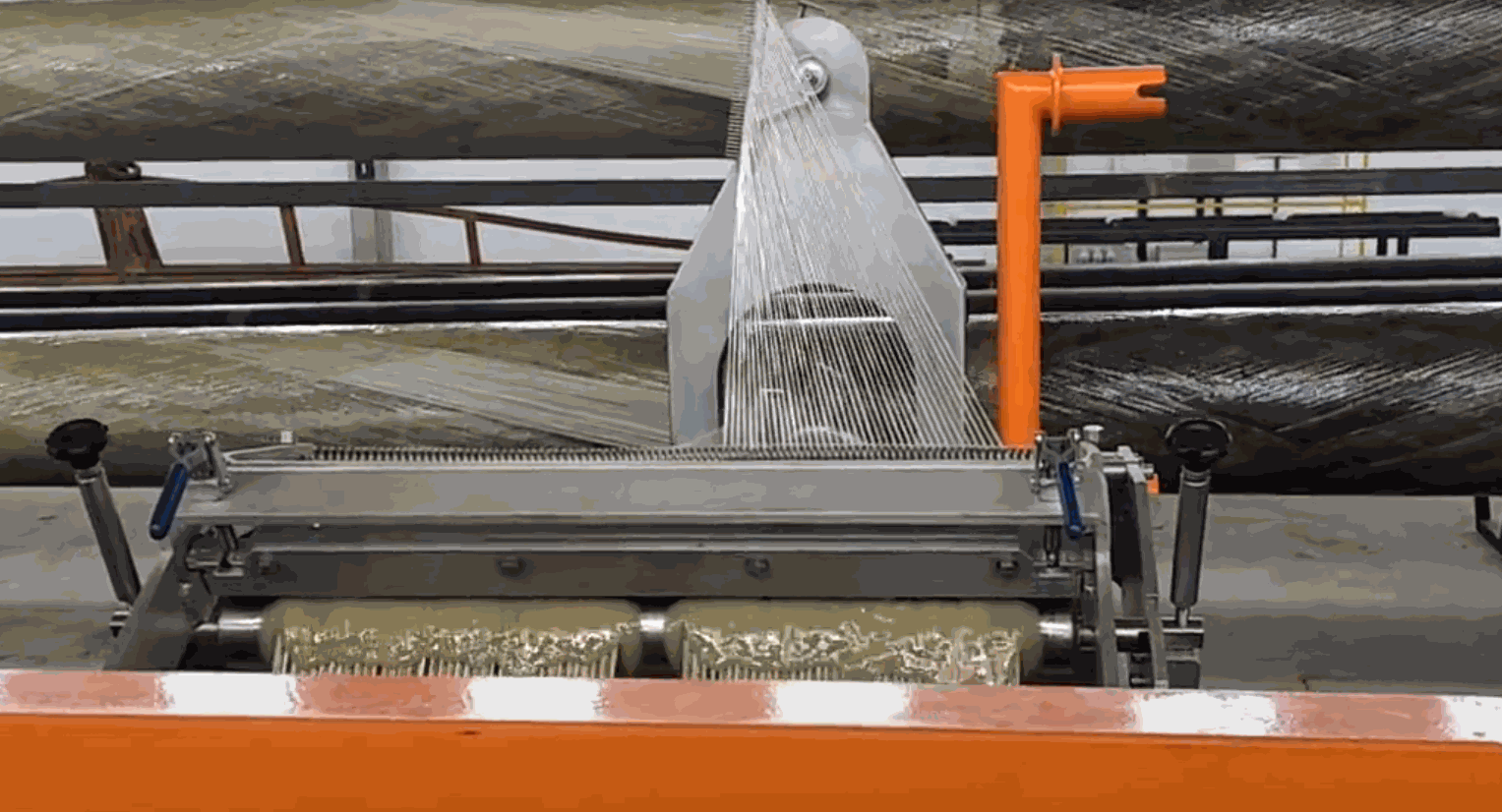
Distribute the ends of successive layers along the part.
Define two thicknesses with a transition between the end and the body.
Control how each layer starts until the winding pattern is established.
Manage the fiber length between the payout eye and the mandrel.
Special functions are available from the Starter plan. Check the limits and features of each plan.
KNOW THE COST BEFORE PRODUCTION
From the winding program to the cost per part.
Choose a product and guiFW loads the raw material its CNC program consumes and the machine time calculated from its G-code. Add labour and your rates to get the cost per part and per batch, or type the data in for any part.
Open the cost calculatorFiber, resin and additives consumed by the winding program.
Use the calculated program time and your machine hourly rate.
Include mandrel preparation, winding, curing and finishing.
ENGINEERING TOOLS CONNECTED TO YOUR PROJECT
Evaluate the laminate and document the inputs and results with the engineering modules available for your operation.
Study deflection under load using laminate theory and Timoshenko beam behaviour, with a report for each calculation.
Evaluate internal pressure and ring stiffness using the laminate of the CNC program, with recorded calculation revisions.
Study hydrostatic membrane behaviour for vertical, horizontal and pressure tanks, including laminate failure criteria.
Engineering modules are additional tools. Contact us to confirm availability, scope and pricing for your project.
Talk about your applicationWHERE YOUR IDEAS TAKE SHAPE
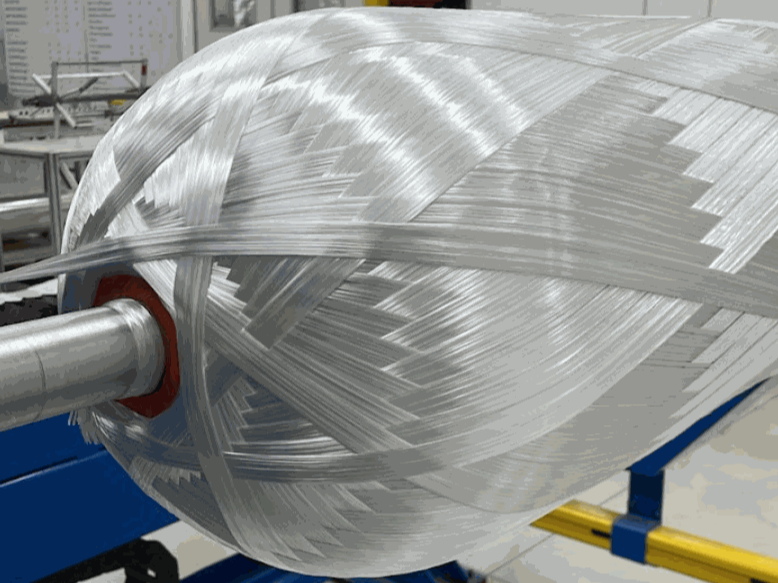
Composite cylinders and tanks with domed ends.
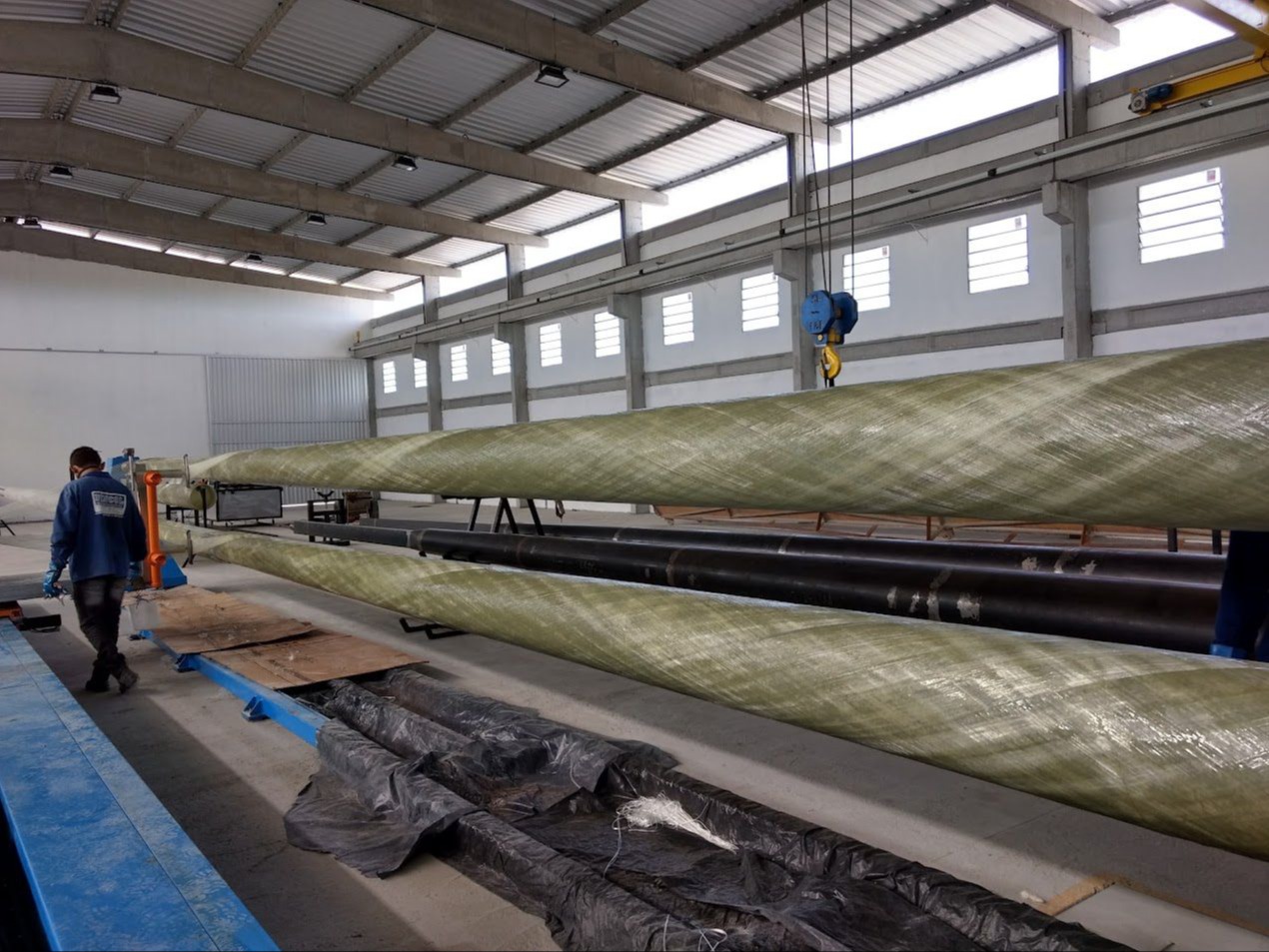
Tapered GRP poles for power distribution and lighting.
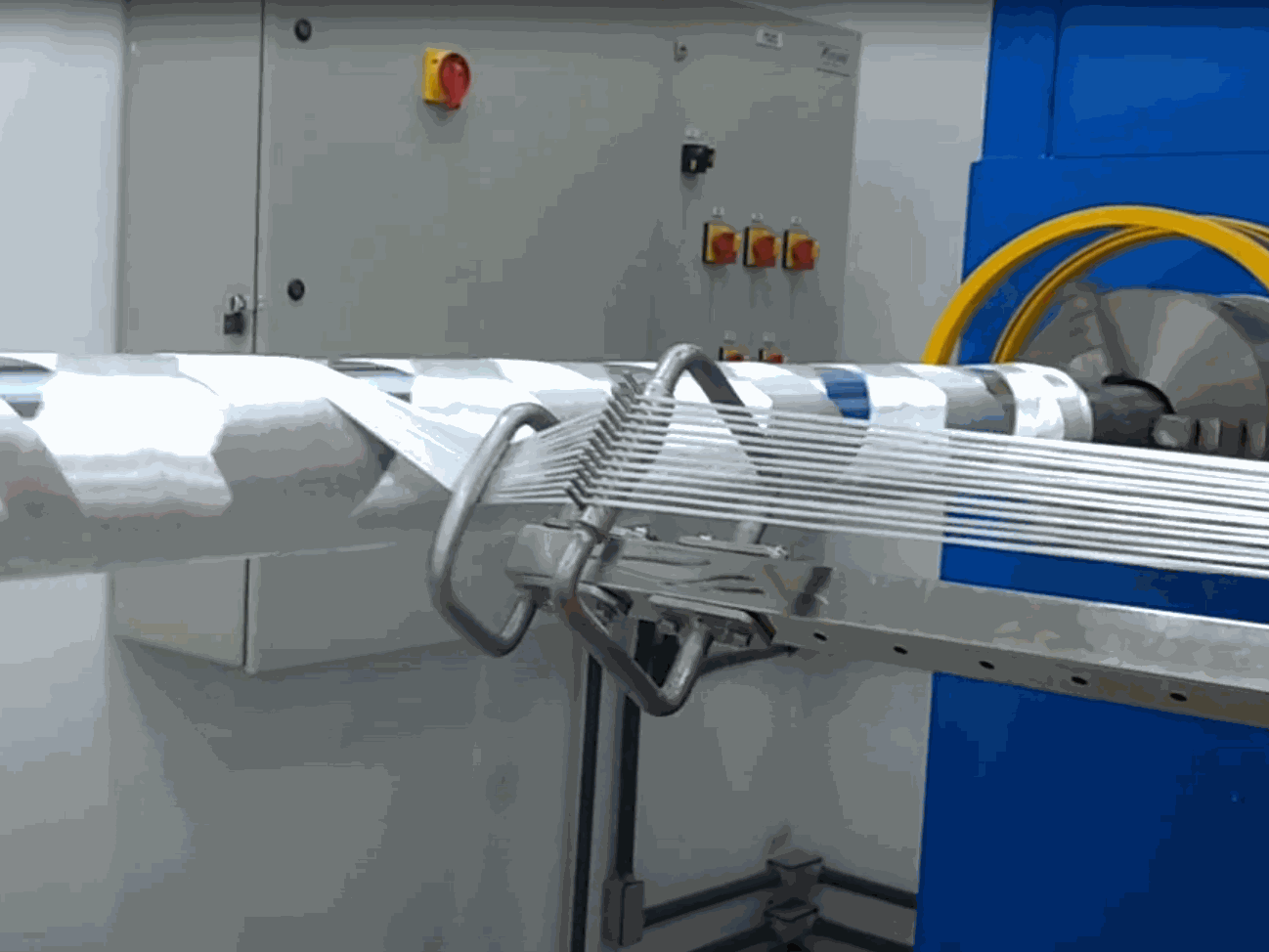
GRP pipes for water, sanitation and industry.
ANSWERS BEFORE YOU START
Explore the tutorial or talk to us about your machine and your production process.
See the tutorialFilament winding software calculates fiber paths and CNC machine movements from the mandrel geometry, materials and winding layers. guiFW brings this workflow to the browser, with trajectory simulation and G-code export.
Any CNC filament winding machine that reads G-code. Templates are included for Fagor, Sinumerik, Kollmorgen, Mach3, LinuxCNC and TexComputer controllers, and the post-processor can be adapted to others.
Yes. The Free plan includes one machine, one mandrel, one payout eye and G-code for cylinders. See all plans on the pricing page.
Nothing. It is free in every plan, including the Free plan.
Structural engineering modules are additional tools with their own scope and availability. Contact us to discuss your project.
YOUR NEXT WINDING PROJECT STARTS HERE
Start with your machine and mandrel. Build the program, review the trajectory and calculate production costs.
Free plan forever. Every new account gets the Professional plan free for 30 days. No card required.